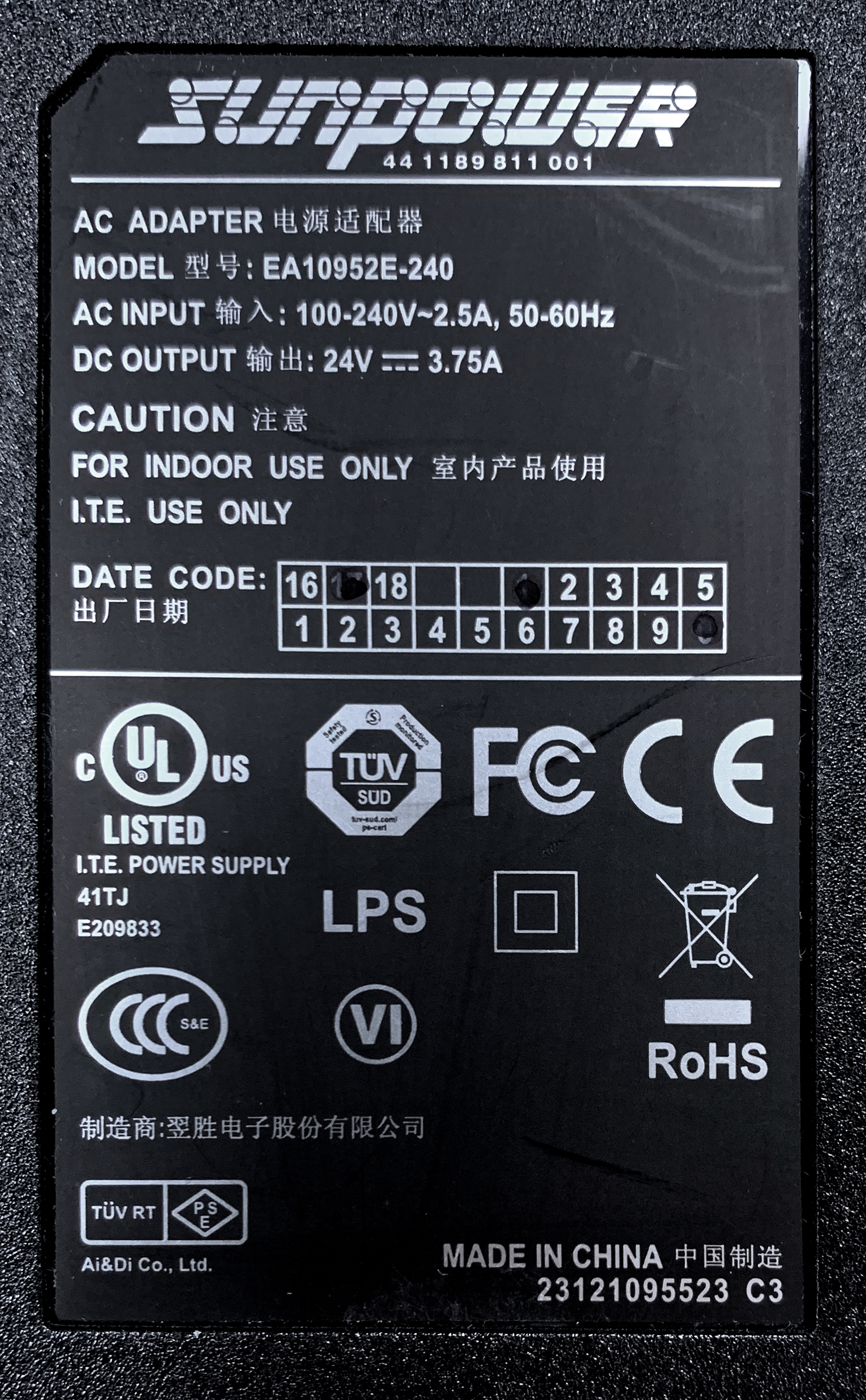
Correct Printer Power Supply - 90w
Your Magicard printer must only be used with the correct Power Supply Unit (PSU) supplied or specified for your printer model. Using an incompatible power supply may cause printing problems, generate errors, or permanently damage the printer.
Risks of Using the Wrong Power Supply
Using an incorrect PSU may cause the following issues:
Poor print quality: Printed cards may appear faint or too light.
Printer errors: The printer may display error messages, such as “16:00 – Can't lift print head.”
Hardware damage: The printer’s Controller PCB may be permanently damaged.
Warranty issues: Using an incorrect PSU may invalidate the printer’s warranty.
Identifying the Correct 90W Power Supply
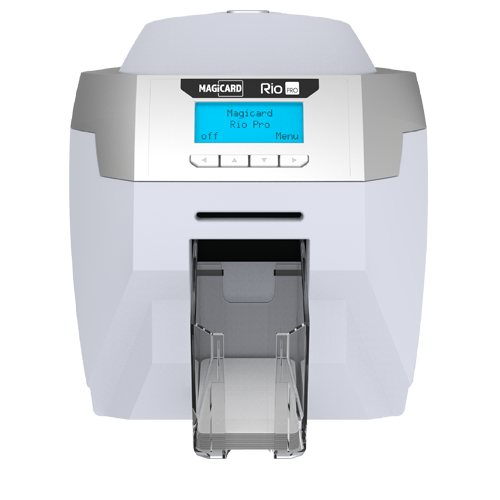
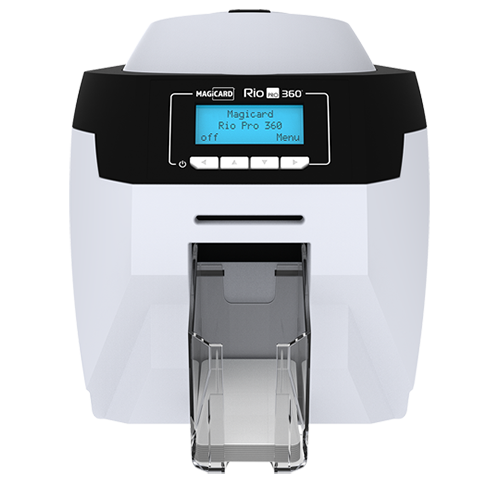
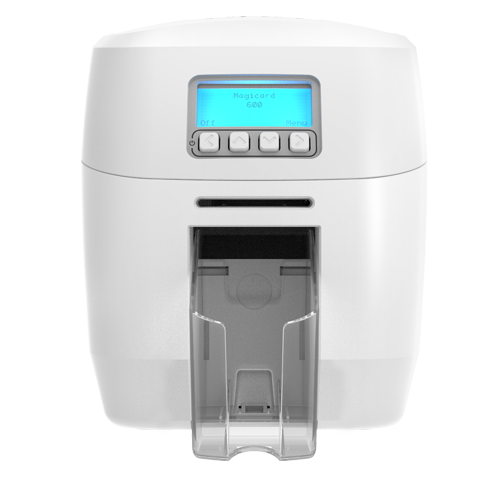
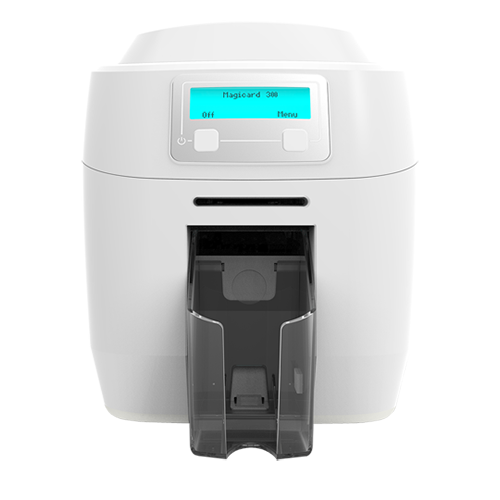
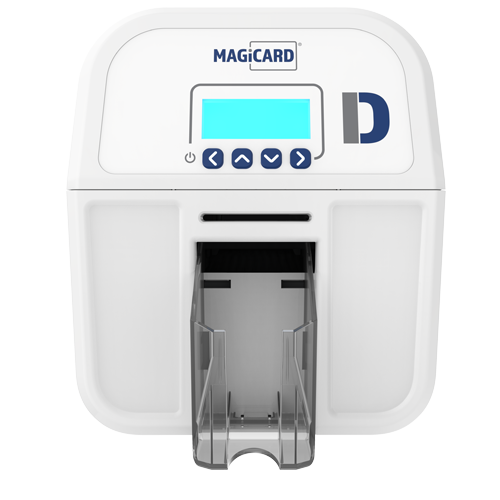
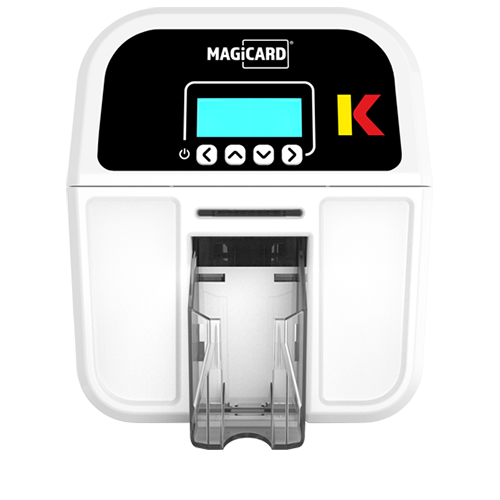
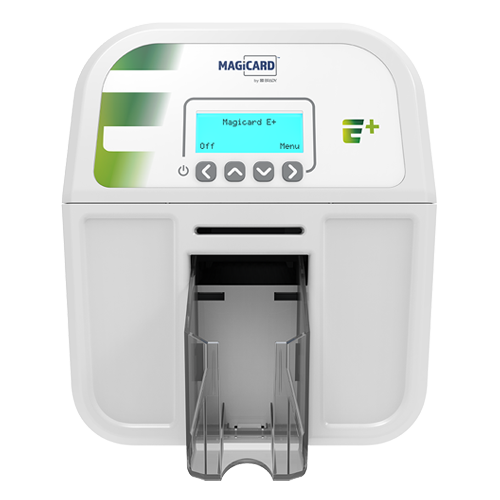
The correct PSU for 1st-generation Rio Pro printers and all 2nd-generation Magicard printers, including all product variants, must match the specifications listed below.
Important Note for Pronto Printers
This 90W PSU applies to Pronto printers only if the serial number consists of exactly eight digits, for example, 12345678.
If the serial number contains a letter, such as 12F3456, do not assume that this PSU is compatible. Check the printer’s electronics version and confirm the correct PSU for your specific model before connecting it.
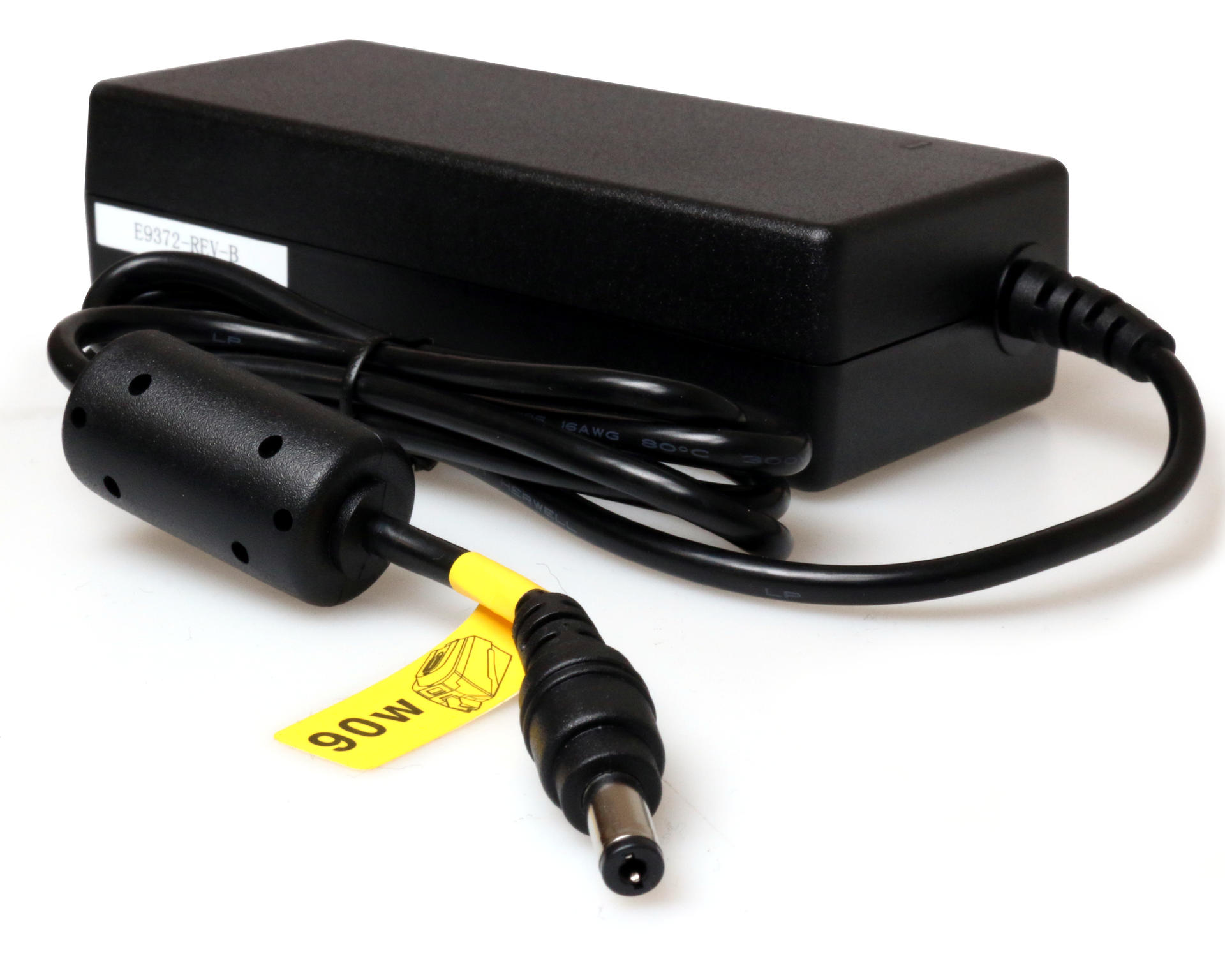
Power Supply Specifications
Manufacturer: SUNPOWER
DC Output: 24V, 3.75A
Identification: Yellow 90W tag
Part Number: E9372
Check the label on the power supply to confirm that the manufacturer, output rating, identification tag, and part number match the specifications above.